
In-House POS Menu
Streamline Restaurant & Hospitality Operations
Fast track menu changes, optimize your kitchen set-up, and manage stock with the POS menu editor.
POS In-House Menu System

Easily update your POS & menu with one intuitive menu editor. Add items, modifiers, nutritional info & update availability quickly.
Send specific menu items to designated kitchen printers
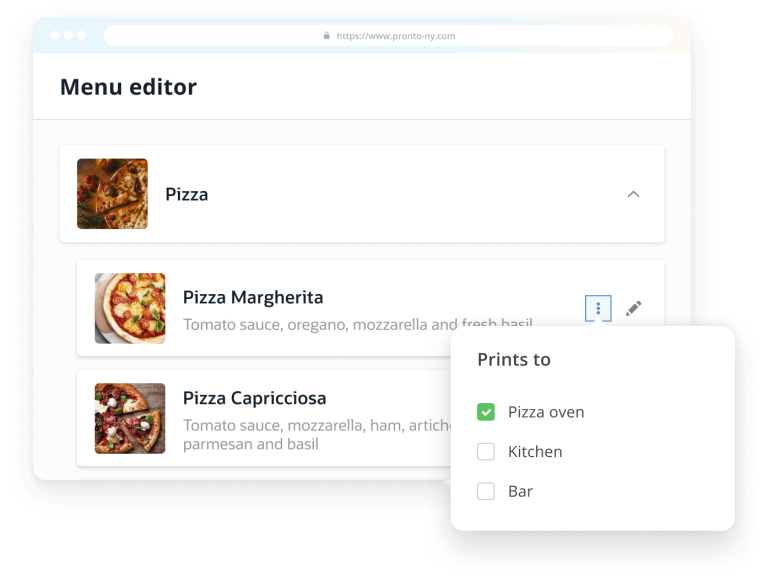
Connecting printers to kitchen stations has never been this easy.
Improve your operational flow. Simply start by sending out specific menu items to dedicated printers, across different kitchen stations. The ideal tool echoing your business needs.
Hide or show special menu items on particular days
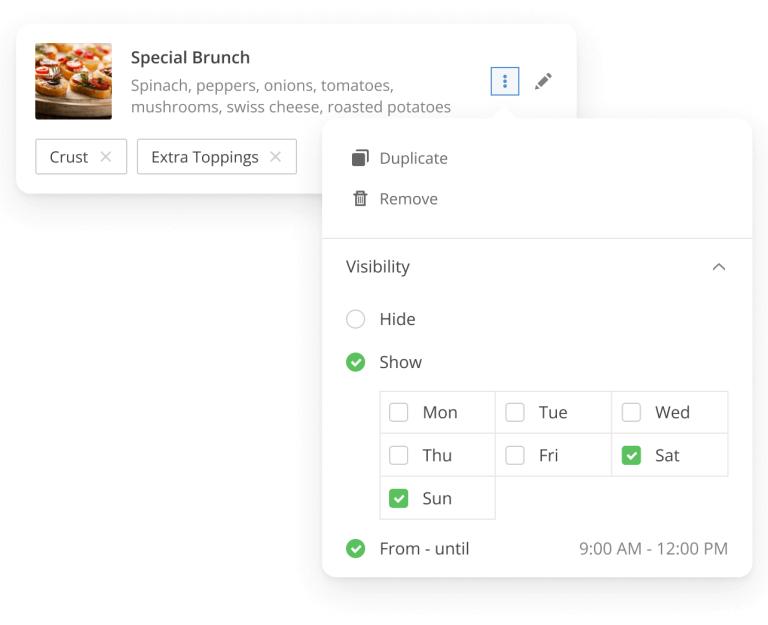
With our menu editor, we can easily choose to hide food and beverage items from the menu, no matter the reason.
Alternatively, you can choose to have the desired menu items available on particular days of the week only.
So why not create your very own brunch special to attract more customers on weekend mornings?
Control food stocks to never get an order wrong
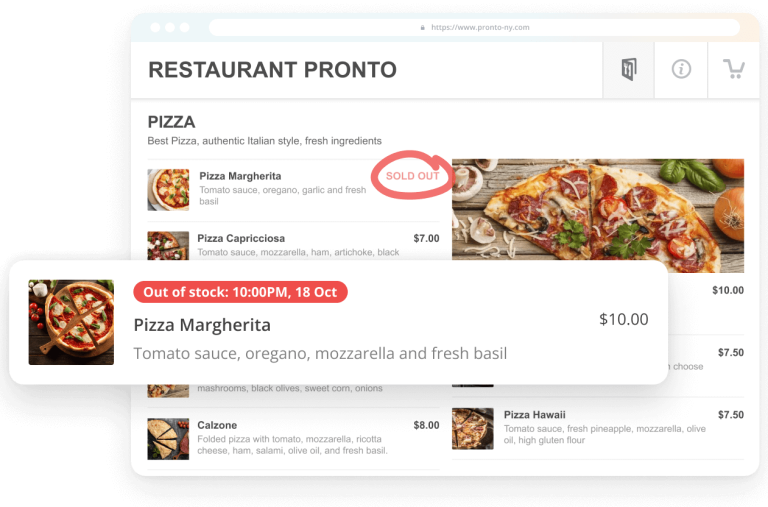
Delivering a great customer experience is all about paying attention to details. Avoid getting disgruntled customers who are told last minute that their order will not get through. Stay on top of the inventory, by simply setting up the stock quantity of your menu items.
No more ingredients for your famous dish? Mark it as ‘out-of-stock. Once your star ingredients are back in stock, simply remove the “sold out” label.
Preview menu updates as customers or employees
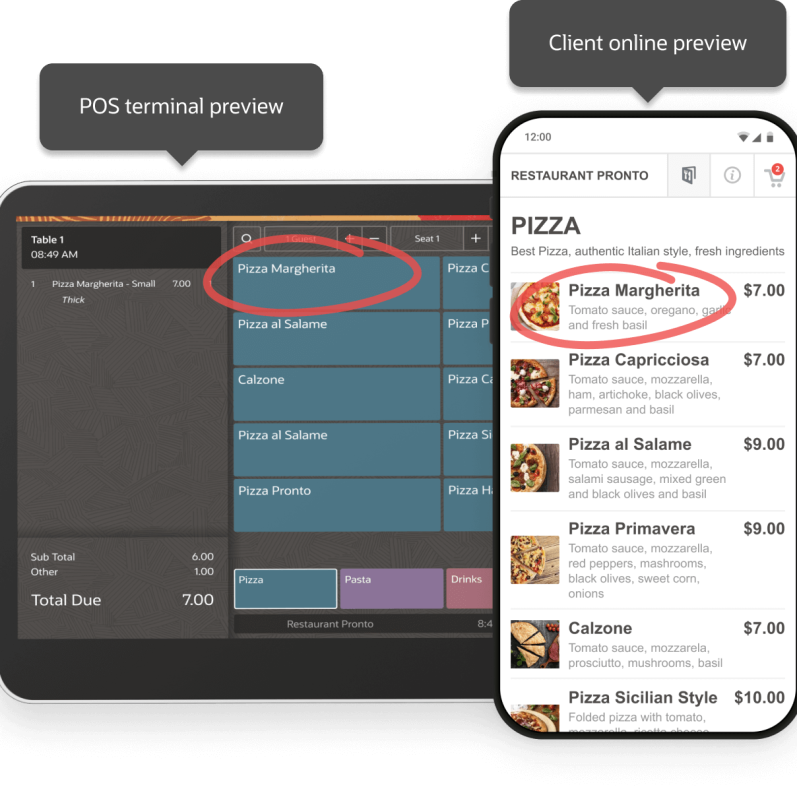
Discover the full customer experience, by previewing the menu changes that your customers will see in the menu.
Interested in how your staff sees menu updates across the POS terminal? Use the Waiter preview option.
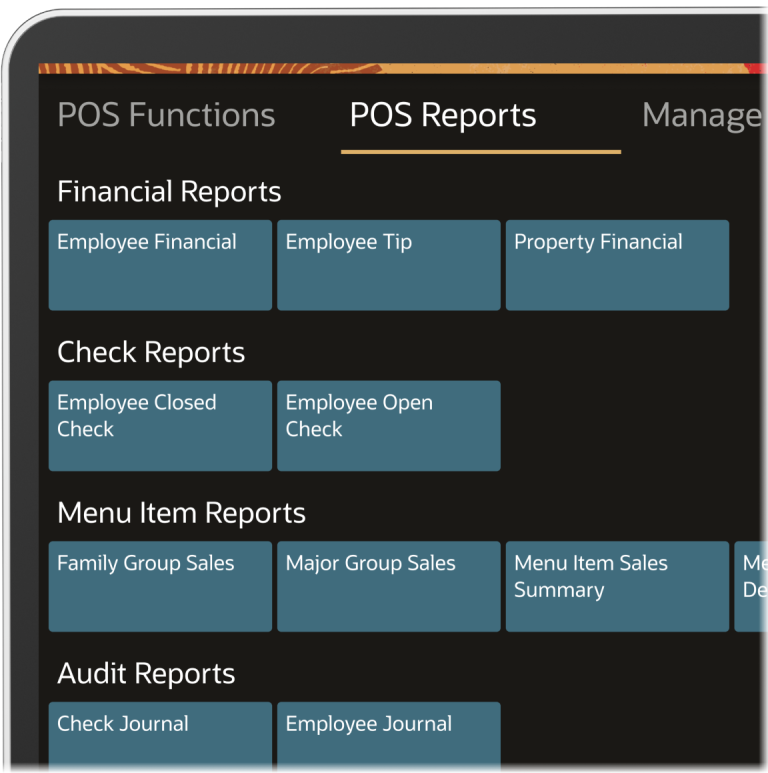
On-premise POS data analytics
Curious to know how many in-store net sales you amounted in a day's work?
Looking to reconcile your staff's transactions & get to the bottom of financial discrepancies?
Seeking the easiest way to close all open checks by the end of the day, to benefit from accurate daily sales reports?